
The Dell™ OptiPlex™ 210L User's Guide provides information on the computer's specifications, features, and how to use it.
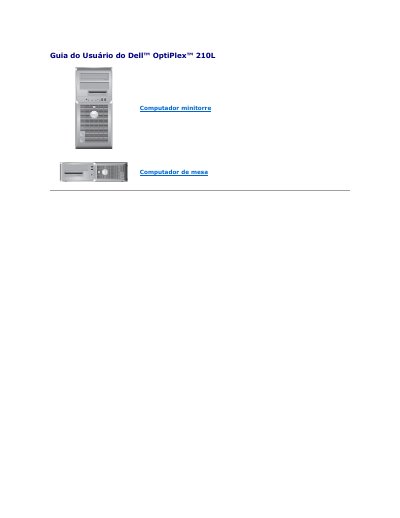
The Dell OptiPlex 210L User's Guide is a Portuguese-language guide for the Dell OptiPlex 210L minitower desktop computer. It covers advanced features such as LegacySelect technology control, Dell OpenManage IT Assistant, and Dell OpenManage Client Instrumentation.
The guide also describes security features including lock rings, security cable slots, system and administrator passwords, system setup, USB boot, clearing forgotten passwords, clearing CMOS settings, Hyper-Threading, and power management. This manual is written in Portuguese.
It lets administrators electronically enable or disable connectors and media devices.
It configures, manages, and monitors computers and other devices on a corporate network.
The system halts and must be powered down.
Yes, if the two passwords differ, the administrator password can be used as an alternative system password.