
The Dell Networking W-AP210 Series Wireless Access Points support the IEEE 802.11ac and 802.11n standards for high-performance WLANs. These access points use MIMO (Multiple-input, Multiple-output) technology and other high-throughput mode techniques to enable high-performance 802.11n 2.4 GHz and 802.11ac 5 GHz capabilities, while supporting legacy 802.11a/b/g wireless services.
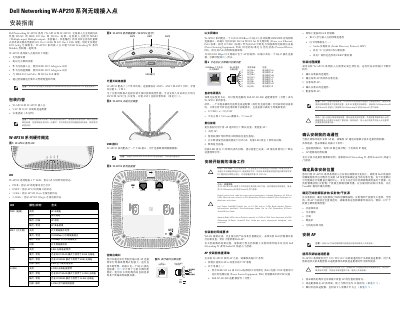
This guide covers the Dell Networking W-AP210 Series wireless access points, including the W-AP214 and W-AP215 models. It describes product features, antennas, ports, LED indicators, mounting options, and power options using IEEE 802.3af or IEEE 802.3at Power over Ethernet.
The document also covers installation topics such as cabling, Aruba Discovery Protocol, and configuration through Dell Networking W-Series ArubaOS, along with environmental, safety, and regulatory information.
| Wireless standards | IEEE 802.11a/b/g/n/ac |
|---|---|
| 2.4 GHz radio | IEEE 802.11b/g/n |
| 5 GHz radio | IEEE 802.11a/n |
| MIMO | Multiple-input, Multiple-output |
| Ethernet port | 10/100/1000Base-T (RJ-45) |
| PoE standards | IEEE 802.3at PoE+ and IEEE 802.3af PoE |
| DC input | 12 VDC (+/- 5%)/18W |
| W-AP214 antenna connectors | ANT0, ANT1, ANT2 |
| W-AP215 antenna connectors | ANT0 and ANT2 |
| W-AP214 mounting dimensions | 9/16" and 15/16" |
| W-AP215 mounting dimensions | 9/16" and 15/16" |
| Operating temperature | -30 to 60 °C |
| Document number | 0511515-CN-01 |
The guide covers the W-AP214 and W-AP215 access point models.
The access points support IEEE 802.3at PoE+ and IEEE 802.3af PoE.
The access points provide a 10/100/1000Base-T RJ-45 Ethernet port with MDI/MDX support.
It can be configured through the Dell Networking W-Series ArubaOS Web UI or the ArubaOS CLI.