
Installation guide for the Dell Storage NX430 Network Attached Storage System.
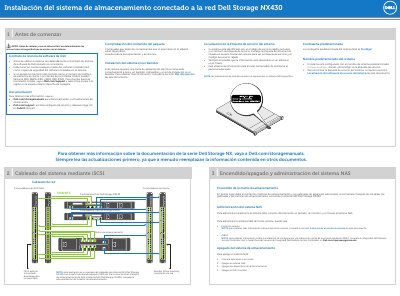
This guide provides step-by-step instructions for installing the Dell Storage NX430 network storage system. It includes safety precautions, software license terms, component verification, rack installation procedures, and service tag location. The guide also covers initial setup, remote administration via iDRAC or remote desktop, and references additional Dell documentation for further support.
The system requires proper electrical grounding, a compatible rack, and installation kit. Default credentials are provided for initial access, and the system can be managed locally or remotely. Documentation for Dell OpenManage Server Administrator and other related tools is referenced for advanced management. This manual is written in Spanish.
The default password for the system NAS is Stor@ge!
The system is configured with the default name D
Extract the information label from the front of the system to view the Service Tag and Quick Service Code. The information may also be on an adhesive on the chassis.