
The Dell Laser Printer 5100cn User's Guide introduces the features of the printer and how to use it.
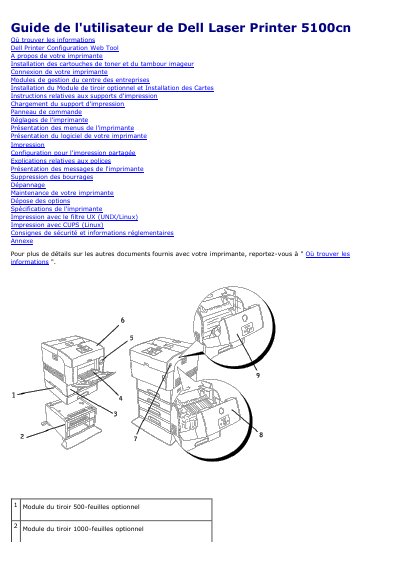
This user's guide covers the Dell 5100cn laser printer, including where to find information, printer configuration tools, setup, toner and imaging drum installation, connections, paper handling, control panel, settings, software, printing, troubleshooting, maintenance, options removal, and specifications.
It also explains shared printing configuration, fonts, printer messages, jam removal, UNIX/Linux printing with UX filter and CUPS, safety and regulatory information, and the appendix. This manual is written in French.
| Maximum paper trays | 4 |
|---|---|
| Standard paper tray | 500 sheets |
| Optional paper tray module | 500 sheets |
| Optional paper tray module | 1000 sheets |
They are located on the inside of the front cover of the printer.
Use Dell's website or order printer supplies by phone.
Press Menu, navigate to Configurer and then Rapports, then select Réglages imp.
Dell support is available at support.dell.com.