
The Dell Latitude 7390 Quick Start Guide introduces the features and functions of the Dell Latitude 7390 laptop.
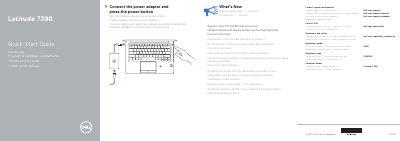
This guide helps you set up your Dell Latitude 7390 laptop. Connect the power adapter and press the power button to start. The device includes features like an infrared camera, precision touchpad, and multiple ports including USB 3.1, HDMI, and DisplayPort over USB-C. Optional features include fingerprint reader, NFC sensor, and micro-SIM card slot.
The guide lists all ports and components, including network, audio, and charging ports, with descriptions in multiple languages for international users.
The computer supports Intel 7th and 8th Gen processors.
An infrared camera with a narrow border touch screen is optional.