
The Chromebook 11 3189 Quick Start Guide provides instructions on how to set up and use your Chromebook.
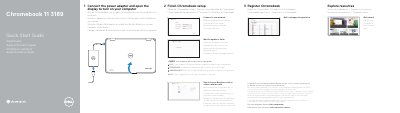
This guide helps you set up your Dell Chromebook 11 3189, connect to a network, sign in to your Google account, and register your device. It also includes links to Dell’s limited hardware warranty and service contracts.
The device features a webcam, microphone, touchpad, USB 3.0 ports, HDMI port, microSD card reader, and Dell activity light for status indicators.
Connect the power adapter and open the display.
The computer will restart.
It has a microSD card reader.
It has USB 3.0 ports.