
The Dell Precision 5520 Quick Start Guide provides instructions on how to connect the power adapter, set up Windows 7, connect to a network, and protect your computer.
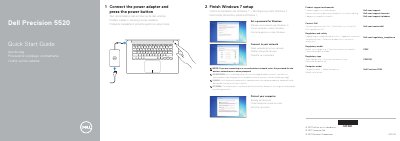
This Dell Precision 5520 Quick Start Guide provides initial setup instructions for the Dell Precision 5520 computer, including connecting the power adapter, completing Windows 7 setup, setting a password, and connecting to a network.
The guide also explains how to protect the computer, lists product support and manuals at Dell.com/support, and shows feature locations such as the power button, USB 3.0 ports with PowerShare, Thunderbolt 3 port, HDMI port, and service tag label.
| Computer model | Dell Precision 5520 |
|---|---|
| Regulatory model | P56F |
| Regulatory type | P56F001 |
| USB 3.0 port with PowerShare | Present |
Connect the power adapter and press the power button.
The regulatory model is P56F.
Visit Dell.com/support and Dell.com/support/manuals.