
Dell Latitude 7280 Quick Start Guide
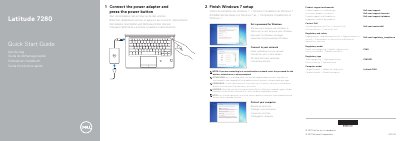
This Dell Latitude 7280 Quick Start Guide is a multilingual getting-started document from Dell Inc., dated 2017. It identifies the computer as model Latitude 7280 and points to Dell support, contact, and regulatory compliance pages.
The guide explains connecting the power adapter and pressing the power button, finishing Windows 7 setup, setting a Windows password, and connecting to a network. It also covers protecting the computer and lists feature locations such as the camera, ports, card readers, speakers, touchpad, and service tag label.
| Operating system | Windows 7 |
|---|---|
| Video port | HDMI port |
| Card port | microSD port |
| USB port | USB 3.0 port with PowerShare |
Connect the power adapter and press the power button.
Set a password for Windows during setup.
Enter the password for the wireless network access when prompted.