
Latitude 13 7000 Series Quick Start Guide
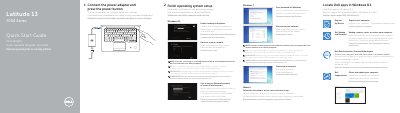
This Dell Quick Start Guide explains initial setup for the Latitude 13 7000 Series laptop, including connecting the power adapter, finishing operating system setup for Windows 8.1, Windows 7, or Ubuntu, enabling security and updates, connecting to a network, and signing in to a Microsoft account.
The guide also lists product features such as the security-cable slot, USB 3.0 and USB Type C connectors, card readers, optional fingerprint reader, camera, and speakers, and provides Dell support contacts and regulatory details for regulatory model P67G.
| USB Type C connectors | 2 |
|---|---|
| Fingerprint reader | Optional |
| Smartcard reader | Optional |
Follow the instructions on the screen to finish setup.
Visit Dell.com/support and Dell.com/support/manuals.
Yes, the fingerprint reader is listed as optional.
Enter the password for the wireless network access when prompted.