
The Dell Laptop Quick Start Guide provides information on unpacking, setting up, using, and maintaining your Dell laptop.
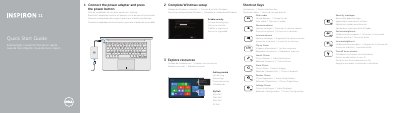
This document serves as a Quick Start Guide for the Dell Inspiron 3137 laptop. It provides instructions for completing the Windows setup, enabling security features, and utilizing shortcut keys for common tasks such as adjusting volume, brightness, and wireless connectivity. The guide is presented in multiple languages including English, Dutch, French, Portuguese, and Spanish.
| Input Voltage | 100 VAC–240 VAC |
|---|---|
| Input Frequency | 50 Hz–60 Hz |
| Output Voltage | 19.5 VDC |
| USB 3.0 Ports | 2 |
| USB 2.0 Ports | 1 |
| Microphones | 2 |
Use the Shortcut Key labeled 'Turn off or on wireless' to activate or deactivate the wireless connection.
The power button is labeled as item 16 on the laptop chassis.
The regulatory model and type number is P19T.