
The Dell Latitude 5580 Quick Start Guide provides instructions on how to set up and use the Dell Latitude 5580 laptop.
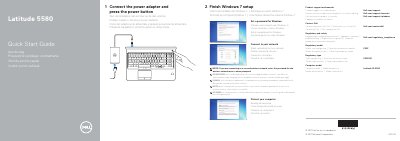
This Dell Latitude 5580 Quick Start Guide provides setup instructions for the Dell Latitude 5580 computer. The guide is multilingual and includes English, Dutch, Polish, Romanian, and Slovenian.
It covers connecting the power adapter, turning on the computer, completing Windows 7 setup, setting a Windows password, connecting to a network, and protecting the computer. It also lists product features, regulatory information, and Dell support contacts.
| USB port | USB 3.0 port |
|---|---|
| Microphones | Dual array microphones |
| Video output | DisplayPort over Type-C connector |
Connect the power adapter and press the power button.
Enter the password for the wireless network access when prompted.
The computer has USB 3.0 ports, including one with PowerShare.