
Dell Latitude 3390 2-in-1 Quick Start Guide
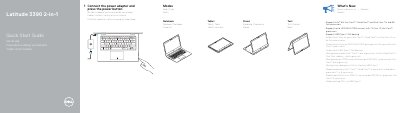
This Quick Start Guide is for the Dell Latitude 3390 2-in-1. It describes how to connect the power adapter and turn on the system, and lists the available modes: Notebook, Tablet, Tent, and Stand.
The guide also shows the system features and ports, including USB, HDMI, headset, and media card reader. It provides Dell support websites and identifies the computer as regulatory model P69G, regulatory type P69G001.
| Processor support | Intel 8th Gen Core i Quad Core and Dual Core 7th and 6th Gen processors |
|---|---|
| Memory support | Up to 2400 MHz DDR4 memory |
| Docking support | USB Type-C Dell docking |
| Regulatory model | P69G |
| Regulatory type | P69G001 |
| Computer model | Latitude 3390 2-in-1 |
Connect the power adapter and press the power button.
Visit Dell.com/support, Dell.com/support/manuals, and Dell.com/support/windows.
The regulatory model is P69G.
The regulatory type is P69G001.