
The Dell Latitude 7389 Quick Start Guide provides instructions on how to connect the power adapter, set up Windows 10, connect to a network, and sign in to your Microsoft account or create a local account.
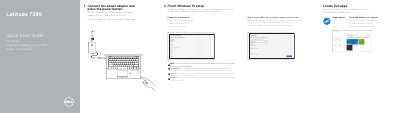
This guide helps you power on and set up your Dell Latitude 7389 laptop. It includes steps to connect to a network, sign in to your Microsoft account, and locate Dell apps. The guide also lists the device’s features, such as USB ports, camera options, and fingerprint reader, noting that some features may vary based on your configuration.
The guide is multilingual, providing instructions in Dutch, English, Polish, and Slovenian. It includes regulatory and safety information, along with support resources and the computer model number: Latitude 7389. This manual is written in Dutch.
Connect the power adapter and press the power button.
Enter the password for the wireless network access when prompted.