
Dell OptiPlex 5055 Tower Quick Start Guide
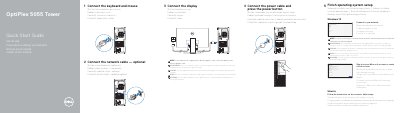
This guide provides step-by-step instructions to connect peripherals and set up the Dell OptiPlex 5055 Tower. It includes connecting the keyboard, mouse, display, and power cable, followed by operating system setup. The guide also lists front panel ports and features, and directs users to Dell support resources.
The guide is available in multiple languages including Dutch, Polish, Romanian, and Slovenian, with instructions for connecting to a network and signing in to Microsoft or local accounts. This manual is written in Dutch.
| Computer model | OptiPlex 5055 Tower |
|---|---|
| Regulatory model | D18M |
| Regulatory type | D18M004 |
Connect the display to the discrete graphics card if you ordered one, or to the integrated graphics port.
The guide is available in Dutch, Polish, Romanian, and Slovenian.
Follow the on-screen instructions to complete the setup for Windows 10 or Ubuntu.