
The Dell Latitude E7270 Wyse TC is a thin and light business notebook that features a 12.5-inch display and weighs just 1.3 kilograms. It is powered by an Intel Core i5-6300U processor, 8GB of RAM, and a 256GB solid-state drive, providing strong performance. In addition, it is equipped with a variety of interfaces, including HDMI, DisplayPort, USB 3.0, and a microSD card reader.
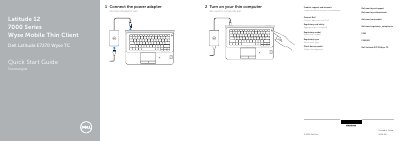
This Dell Quick Start Guide covers the Latitude E7270 Wyse TC thin client. It explains how to connect the power adapter and turn on the thin computer, and lists Dell product support and regulatory details.
The guide identifies the system's features, including network, HDMI, DisplayPort, and USB 3.0 ports, camera, speakers, touchpad, smart card and fingerprint readers, and the service-tag label.
| Regulatory model | P26S |
|---|---|
| Regulatory type | P26S001 |
Turn on your thin computer as described in step 2 of the guide.
Visit Dell.com/wyse/support and Dell.com/wyse/downloads for product support and manuals.
The regulatory model is P26S.