
Dell Chromebook 11-3120 Quick Start Guide

Dell Chromebook 11 Quick Start Guide
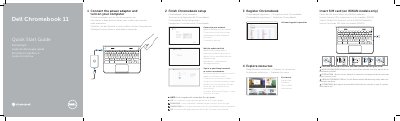

Dell Chromebook 11-3120 Quick Start Guide - cover page
Brand
DELL
Document type
Quick Start Guide
Language
English
Pages
2
File format
PDF
File size
905 KB
Published
24 November, 2023
Updated
24 November, 2023
MD5 checksum
5BEF3F5C41D339F70933E822439BE1B2

About this manual

This guide helps you set up your Dell Chromebook 11-3120, connect to a network, and sign in to your Google account. It includes step-by-step instructions for initial setup and features like camera, speakers, touchpad, and USB ports. The guide also covers registration and accessing support resources.

What's inside

  • Connect the power adapter and turn on your computer
  • Finish Chromebook setup
  • Register Chromebook
  • Explore resources
  • Features

Frequently asked questions

What is required to turn on the computer?

Connect the power adapter and turn on the computer.

What should you do after the Google update?

Your computer will restart after Google update.

Download PDF (905 KB)

More DELL Manuals


View all DELL manuals →