
The Dell Latitude 7390 Quick Start Guide. The product supports Intel 7th and 8th Gen processors and an optional infrared camera with narrow border touch screen.
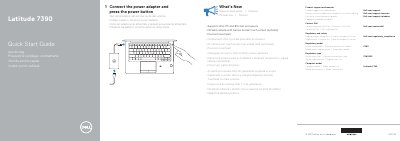
This document serves as a Quick Start Guide for the Dell Latitude 7390 laptop, providing instructions to connect the power adapter and press the power button to begin using the device. It is published in multiple languages including English, Dutch, Polish, Romanian, and Slovenian.
| Processor Support | Intel 7th and 8th Gen processors |
|---|---|
| Touch Screen | Infrared camera with narrow border touch screen (optional) |
| Touchpad | Precision touchpad |
| USB Port | USB 3.1 Gen 1 port with PowerShare |
| Display Port | DisplayPort over USB Type-C (optional Thunderbolt 3) |
Connect the power adapter and press the power button.
Visit Dell.com/support or Dell.com/support/manuals.
The infrared camera with a narrow border touch screen is optional.