
The Dell Vostro 3578 Quick Start Guide provides information on how to use the Dell Vostro 3578 laptop.
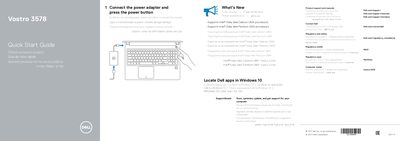
This quick start guide covers the Dell Vostro 3578 computer. It explains how to connect the power adapter and press the power button, and lists Dell support, manuals, Windows, and regulatory compliance links.
The Features section identifies computer parts such as the camera, microphone, USB ports, HDMI port, VGA port, network port, touchpad, speakers, optical drive, memory card reader, fingerprint reader, battery, and service tag label.
| Processor support | Intel® Kaby lake Celeron UMA processors |
|---|---|
| Processor support | Intel® Kaby lake Pentium UMA processors |
Connect the power adapter and press the power button.
It scans, optimizes, updates, and gets support for your computer.
It is listed as item 22 in the Features section.