
Dell Latitude 5290 2-in-1 Quick Start Guide
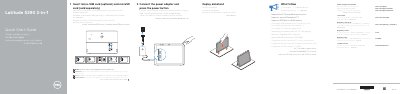
The Dell Latitude 5290 2-in-1 Quick Start Guide provides essential instructions for deploying the kickstand, connecting power, and inserting optional micro-SIM and microSD cards.
It includes a detailed map of the device's hardware features, such as the USB 3.1 Gen 1 port, Thunderbolt 3 charging port, and various camera and microphone placements.
| Processor | Intel 7th and 8th Gen |
|---|---|
| Memory | 16 GB at 2133 MHz |
| Connectivity | Thunderbolt 3 (optional) |
The device features a USB 3.1 Gen 1 port.
The device supports 2133 MHz on 16 GB memory.
Both the microSD card slot and the optional micro-SIM card slot are located under the kickstand.
You must ensure the card is correctly aligned and inserted all the way.