
Dell Wireless Docking Station WLD15 Quick Start Guide
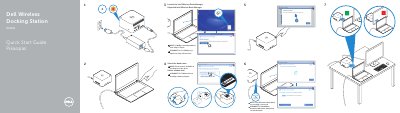
The Dell WLD15 Wireless Docking Station allows for wireless connectivity using the Intel Wireless Dock Manager. The device features a pairing button and a status LED that turns white upon a successful connection.
The docking station includes various connectivity ports such as USB 3.0, network, display, and audio connectors, as well as a security-cable slot.
| Regulatory model | WLD15 |
|---|
The LED indicator turns white when the connection is successfully established.
The LED light will turn white when a connection is successfully made.
The dock name is located on the bottom of the device.