
Harmony Hub is the heart of your Harmony system—always keep it powered on!
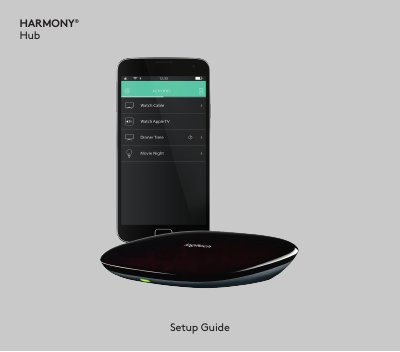
The Logitech Harmony Hub is the center of the Harmony system and controls audio video and home control devices using Bluetooth, Wi-Fi, and infrared signals. The hub receives commands from the mobile app and must always stay powered on.
Package contents include the Harmony Hub, power adapter, IR mini blaster, and USB cable. Setup can be done using the Harmony App on a smartphone or tablet, or with the MyHarmony desktop software on a PC or Mac via setup.myharmony.com.
| Control method | IR, Bluetooth or Wi-Fi |
|---|---|
| Power-up time | Approx 30 seconds |
| PC or Mac setup connection | USB cable |
Once plugged in, the hub takes approximately 30 seconds to power up.
Visit setup.myharmony.com to download the MyHarmony desktop software.
Product information and support are available online at support.myharmony.com/hub.