
The Logitech G635 headset is a gaming headset with the following features:
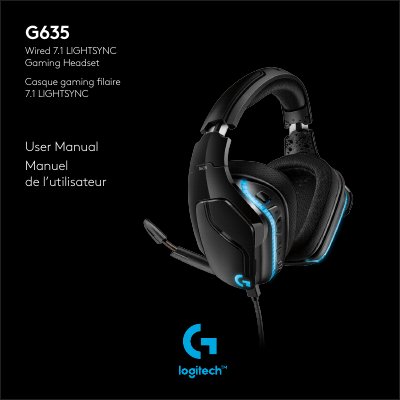
The Logitech G635 is a wired 7.1 LIGHTSYNC gaming headset. This manual covers what is in the box, headset features, button layout, and setup options for PC, mobile, and console use.
Setup instructions include PC mode, 3.5mm mode, mobile devices, Xbox One, PS4, and Switch, plus an alternate USB-powered PlayStation 4 setup.
| PC cable length | 2.8 m |
|---|---|
| 3.5mm cable length | 1.5 m |
| Lighting zones | 2 |
| Programmable buttons | 3 |
The box includes the G635 headset, custom tags (L/R), a PC cable (USB to Micro-USB, 2.8m), and a 3.5mm cable (1.5m).
Download and install Logitech G HUB Software, set the mode switch to PC, and connect the headset to the PC with the USB cable.
Yes. While in PC mode and connected via USB, the headset can also connect to another audio source with the 3.5mm cable, and both sources can play simultaneously.
Without USB power, 7.1 surround sound, on-headset buttons, volume wheel operation, and customization of lighting and button functions are not available.