
This document is a quick start guide for Dell laptops, which introduces how to set up and use a Dell laptop.
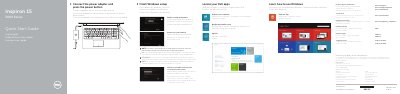
This Dell Inspiron 15 3000 Series laptop quick start guide explains how to finish Windows setup, connect the power adapter, and find Dell apps. It also gives steps to learn how to use Windows.
The guide includes a features list with the microphone, camera, ports, battery, and status lights. It also lists shortcut keys for audio, display, wireless, sleep, and other functions.
| Input voltage | 100 V CA–240 V CA |
|---|---|
| Frequency | 50 Hz–60 Hz |
| Input current | 1,30 A/1,60 A/1,70 A |
| Output voltage | 19,50 V CC |
| Output current | 2,31 A/3,34 A |
Connect the power adapter and press the power button.
Finish Windows setup, then locate your Dell apps and learn how to use Windows.
Shortcut keys include mute audio, decrease volume, increase volume, play/pause, and switch to external display.