
This Dell P47F Quick Start Guide shows how to connect power, set up Windows, join a network, and use shortcut keys.
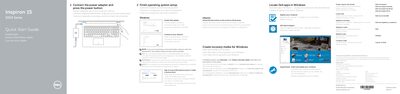
The Quick Start Guide provides step‑by‑step instructions for getting the Dell Inspiron 15 3000 Series P47F laptop up and running. It covers connecting the power adapter, completing the operating system setup, signing in to a Microsoft account, connecting to a wireless network, and using the built‑in shortcut keys.
The guide also includes regulatory and safety information, power specifications, and links to Dell support resources for further assistance and software updates. This manual is written in Dutch.
| Input voltage | 100 V CA–240 V CA |
|---|---|
| Input frequency | 50 Hz–60 Hz |
| Input current | 1.30 A / 1.60 A / 1.70 A |
| Output voltage | 19.5 V DC |
| Output current | 2.31 A / 3.34 A |
Connect the power adapter and press the power button.
Enter the password for the wireless network when prompted.
Turn on Dell updates in Windows via the Dell Update utility.