
Dell Laptop Quick Start Guide
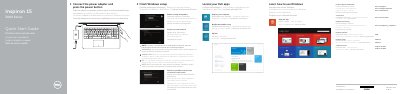
This Dell Inspiron 15 3000 Series laptop quick start guide covers initial setup and basic operation. It explains how to finish Windows setup, locate Dell apps, learn how to use Windows, sign in, and connect the power adapter and press the power button.
The guide also lists laptop features and shortcut keys, including microphone, camera, ports, status lights, audio controls, wireless, sleep, and battery-status options. It provides help and tips for using the laptop.
Connect the power adapter and press the power button.
The guide covers shortcut keys for audio, volume, playback, display, search, brightness, wireless, sleep, and battery status.
The network port is only for the Inspiron 3558.