
The Dell Inspiron 15 3000 Series notebook computer quick start guide.
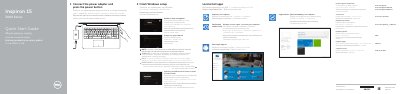
This Quick Start Guide for the Dell Inspiron 15 3000 Series notebook computer gives setup steps. It says to connect the power adapter and press the power button, then locate Dell apps, check and update the computer with SupportAssist, register the computer, and set up backup and recovery.
The guide also covers finishing Windows setup, enabling security and updates, connecting to a network, and signing in to a Microsoft account or creating a local account. It lists features such as the microphone, camera, ports, lights, and shortcut keys.
Connect the power adapter and press the power button.
Use SupportAssist to check and update the computer.
Finish Windows setup, then enable security and updates and connect to the network.