
The Dell™ Photo Printer 720 Owner's Manual provides information on how to order supplies, get started, use the printer, and maintain and troubleshoot the printer.
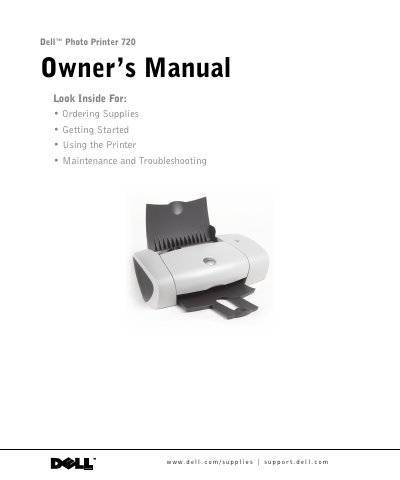
This Dell Photo Printer 720 Owner's Manual is for users of the Dell Photo Printer 720. It includes sections on ordering supplies, getting started, using the printer, maintenance, and troubleshooting.
The manual explains how to order Dell ink cartridges and provides guidance on replacing, aligning, and cleaning ink cartridges, loading paper, printing documents and photos, and improving print quality. It also includes troubleshooting information, contact details for Dell technical assistance, warranty and return policy information, and regulatory notices.
| Supply voltage | 120/127 VAC |
|---|---|
| Frequency | 50/60 Hz |
| Current consumption | 1.0 A |
| Output voltage | 30 VDC |
| Output current | 0.4 A |
The manual describes cleaning the ink cartridge nozzles as part of ink cartridge maintenance.
The manual includes an Improving Print Quality section.