
Grandstream GXV3275 IP Multimedia Phone Administration Guide

This document describes the Administration Guide for the GXV3275 IP Multimedia Android Phone.
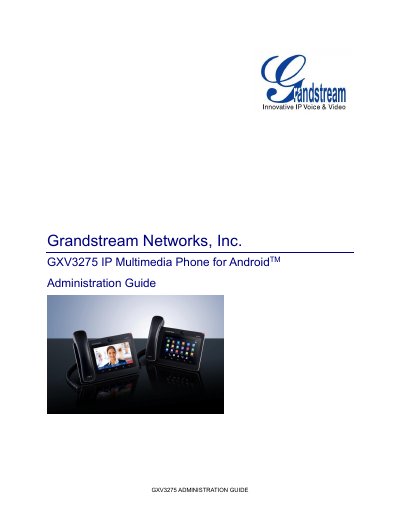

Grandstream GXV3275 IP Multimedia Phone Administration Guide - cover page
Brand
Grandstream
Document type
User Manual
Language
English
Pages
93
File format
PDF
File size
4.6 MB
Published
17 November, 2023
Updated
17 November, 2023
MD5 checksum
AB2B197488CA2E4986E120E1DA786E67

About this manual

This document describes how to configure the GXV3275 IP Multimedia Phone via the phone's LCD menu and Web UI menu to fully manipulate the device's features. It is intended for phone administrators and covers settings for wireless, network, sound, display, storage, applications, security, and device administration.

What's inside

  • Document Purpose
  • Product Overview
  • Wireless & Network
  • Sound
  • Display
  • Storage
  • Applications
  • Security Settings
  • Device Administration
  • Upgrading and Provisioning

Frequently asked questions

What is the intended audience for this document?

This document is intended for phone administrators who need to configure the GXV3275 via the phone's LCD menu and web UI menu.

Where can users find the latest GXV3275 User Guide?

Users can visit the Grandstream support website to download the latest GXV3275 User Guide to learn basic functions.

What happens if a third-party application causes the phone to crash?

Users can enter safe mode to remove the incompatible application and boot the phone back up in normal mode.

Download PDF (4.6 MB)

More Grandstream Manuals


View all Grandstream manuals →