
This manual covers installation, Web interface configuration, basic operations, call handling, contacts, and firmware upgrades for Grandstream…
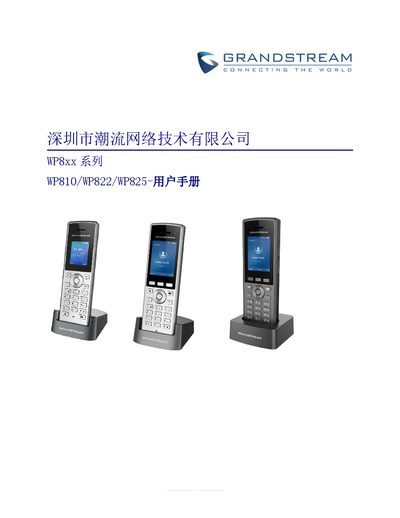
This user manual provides comprehensive instructions for the Grandstream WP810, WP822, and WP825 portable enterprise Wi-Fi phones. It covers the product overview, installation steps, and detailed configuration via the Web interface. The guide explains how to set up SIP accounts, manage network settings, and customize device preferences such as language, ringtone, and display timeout. This manual is written in Chinese.
| Display | 1.8 inch (128x160) TFT color LCD |
|---|---|
| Protocols Supported | SIP, TCP/IP/UDP, RTP/RTCP, HTTP/HTTPS, IPv6 |
| Voice Coding | G.711, G.729A/B, G.722, iLBC, Opus |
| Call Features | Call hold, Call transfer, Call waiting, 3-way conference |
| Security | MD5/MD5-sess authentication, 256-bit AES encryption |
You can reset the device via the phone menu by navigating to Settings -> Advanced Settings -> Factory Reset, or through the Web GUI under Maintenance -> Tools.
The device supports G.711, G.729A/B, G.722, iLBC, and Opus voice coding.