
The Grandstream Networks, Inc. GAC2500 is an audio conferencing phone for AndroidTM. It features:
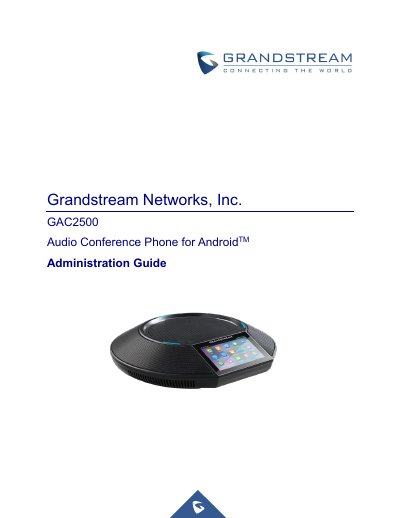
This document serves as an Administration Guide for the Grandstream GAC2500 Audio Conference Phone. It details how to configure the device using the built-in LCD touchscreen menu and the Web User Interface (Web GUI). The guide covers essential topics including product overview, getting started with connections, navigating LCD settings, configuring account and network parameters via the Web GUI, and managing call features. It also provides instructions for upgrading firmware, backing up configurations, and performing factory resets.
| Display | 4.3" (800*480) capacitive touch screen LCD |
|---|---|
| Microphones | 3x microphones (12 ft. pickup range) |
| Speaker | 1x speaker (220-18,000 Hz, 15 ft. coverage range up to 86dB) |
| Network Interface | 1x auto-sensing Gigabit Ethernet port, integrated 2.4GHZ auto-band Wi-Fi (802.11a/b/g/n) and 4.0 Bluetooth |
| Power Input | 100-240VAC 50-60Hz |
| Power Output | 12VDC, 2A (24W) |
| Voice Codecs | G.711µ/a, G.722, G.726, iLBC, Opus, G.722.1 and G.722.1c |
| Conference Capacity | 7-way audio conference |
The default password for a normal user is 123.
Firmware can be upgraded via TFTP, HTTP, HTTPS, or by local HTTP upload.
Yes, users can select 'Auto backup' to schedule an automatic backup.