
Newland NLS-FR40-MD Fixed Barcode Scanner User Manual

NLS-FR40-MD Fixed Barcode Scanner User Manual introduces the features and advantages of NLS-FR40-MD Fixed Barcode Scanner.
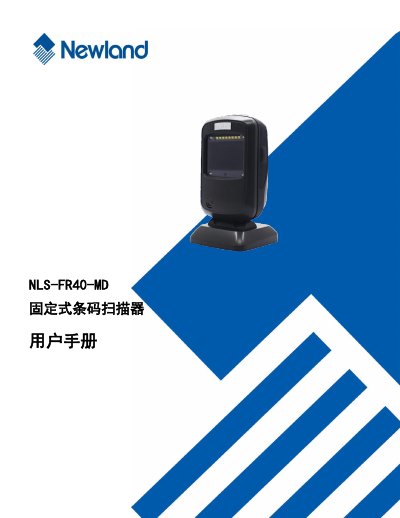

Newland NLS-FR40-MD Fixed Barcode Scanner User Manual - cover page
Brand
Newland
Category
Other Electronics
Document type
User Manual
Language
Chinese
Pages
234
File format
PDF
File size
4.5 MB
Published
17 November, 2023
Updated
17 November, 2023
MD5 checksum
C48F0A498A3532E9B5511509143BF7C3

About this manual

This user manual is for the Newland NLS-FR40-MD fixed barcode scanner. It guides users in correct operation and covers product introduction, system settings, RS-232 communication settings, USB communication settings, and barcode parameter settings.

The manual also describes scanner appearance and dimensions, communication ports and cable connections, maintenance, LED and beeper settings, reading modes, and how to restore factory or user default settings. This manual is written in Chinese.

What's inside

  • About the Product
  • System Settings
  • RS-232 Communication Settings
  • USB Communication Settings
  • Barcode Parameter Settings
  • Scanner Appearance
  • Maintenance and Care
  • Default Settings

Frequently asked questions

What communication settings does the Newland NLS-FR40-MD manual describe?

It describes RS-232 communication settings and USB communication settings.

Who manufactures the NLS-FR40-MD barcode scanner?

The scanner is manufactured by Newland Auto-ID Tech Co., Ltd.

Where are factory default settings found in the manual?

Factory default settings are in the default settings section.

Download PDF (4.5 MB)

More Newland Manuals


View all Newland manuals →