
The GSC3620 is a weatherproof infrared (IR) ceiling-mounted dome IP camera with a 2.8mm-12mm vari-focal lens making it an ideal device for wide-angle monitoring of nearby subjects in environments such as build- ing entrances, corridors, banks, hotels, retail stores and offices as well as narrow-angle monitoring of far field subjects in environments such as streets, towers, warehouses, farms and etc.
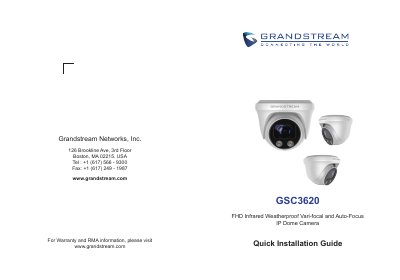
The GSC3620 is a weatherproof infrared (IR) ceiling-mounted dome IP camera with a 2.8mm-12mm vari-focal lens. It is intended for wide-angle monitoring of nearby subjects and narrow-angle monitoring of far-field subjects, and includes electronic auto-focus, motion detection, and smart infrared technology for white balance and exposure. It can be managed with GSURF Pro or other ONVIF compliant video management systems and pairs with Grandstream video phones and the GSC3570 HD intercom and facility control station.
The guide covers package contents, precautions, powering and connecting the camera using DC12V 1A or PoE, ceiling mounting, and web configuration. Configuration requires a browser and a DHCP-enabled network; the GS_Search tool detects the camera, and the default username is admin with a random password printed on a sticker. The web interface provides LiveView, zoom, focus controls, and lens initialization.
| Lens | 2.8mm-12mm vari-focal |
|---|---|
| Operating temperature | -20 °C to 60 °C |
| Humidity | Less than 95% (non-condensing) |
| Power | DC12V, 1A or PoE |
| Mounting | Ceiling-mounted |
The default username is admin and the default password is a random password printed on a sticker on the camera body and the back of the quick installation guide.
It can be powered with a DC12V, 1A power supply or with a PoE switch.
It can be managed with GSURF Pro or other ONVIF compliant video management systems.
Click the LiveView tab, then click 1 or 2 to display the primary or secondary video stream.