
This user manual describes how to use the Brother HL-5340D HL-5350DN HL-5370DW HL-5370DWT laser printers.
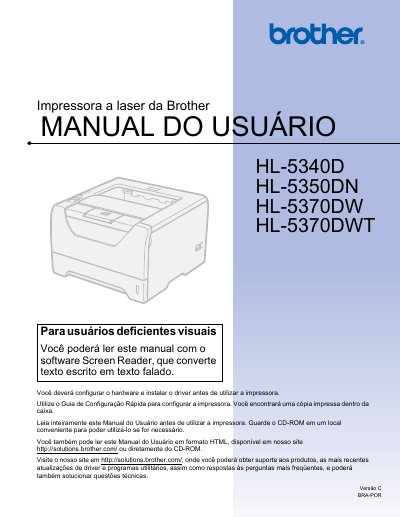
Manual do Usuario in Portuguese for Brother HL-5340D, HL-5350DN, HL-5370DW and HL-5370DWT laser printers. It begins with safety precautions, symbols used in the guide, trademarks and printer transport notes.
The manual also covers paper types and recommended paper, printing methods including duplex printing, printer drivers and software, emulation modes, and an index. This manual is written in Portuguese.
Configure the hardware and install the driver before using the printer.
Yes, it can be read in HTML on the Brother website or directly from the CD-ROM.
Visit the Brother website for product support, the latest driver updates and utilities, and answers to frequently asked questions.
Do not use a vacuum cleaner; clean the spilled toner carefully with a dry, lint-free cloth.