
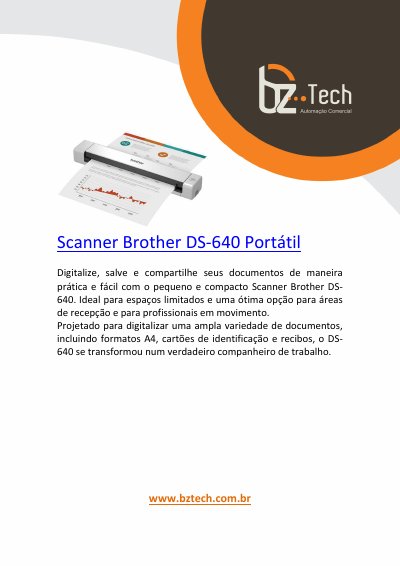
The Brother DS-640 is a portable scanner that can easily scan a wide variety of documents, including A4 size, ID cards, and receipts. It is ideal for space-limited environments and a great choice for reception areas and mobile professionals.
This guide helps set up Brother DSmobile DS-640, DS-740D and DS-940DW scanners, including unpacking, connecting with the supplied USB cable, installing software, and basic scanning operations.
It also explains LED indications, routine scanning steps, error and maintenance references, recommended installation conditions, and safety symbols for the supported scanner models. This manual is written in Portuguese.
| Recommended installation temperature | 5 to 35 C (41 to 95 F) |
|---|---|
| Recommended installation humidity | 20 to 80% (non-condensing) |
| Local computer connection | USB 3.0 (Micro) cable |
| Wi-Fi connectivity | DS-940DW only |
| microSD card slot | DS-940DW only (optional) |
| Battery | Rechargeable lithium-ion (DS-940DW) |
The guide covers DSmobile DS-640, DS-740D and DS-940DW.
The latest manuals are available at support.brother.com/manuals.
The recommended range is 5 to 35 C (41 to 95 F).
Charging starts when the USB cable is connected, and the scanner should be used after the rechargeable lithium-ion battery is fully charged.