
The Brother MFC-J2510 user manual explains basic operations, setup, maintenance, and troubleshooting for this multifunction printer.
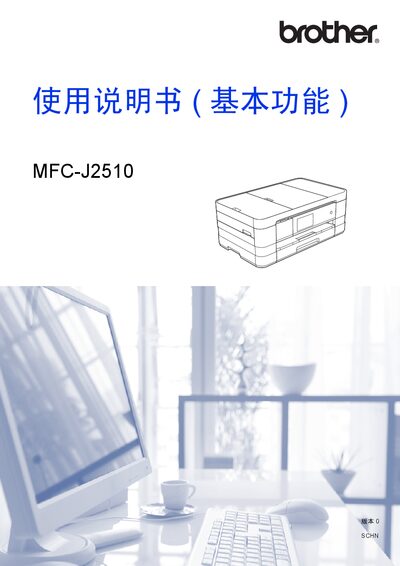
This manual provides instructions for the basic functions of the Brother MFC-J2510 all‑in‑one printer, including printing, scanning, copying, faxing, and using the control panel. It guides users through initial setup, paper loading, shortcut configuration, and everyday tasks.
The document also contains environmental disposal information, detailed specifications, maintenance procedures such as ink‑cartridge replacement and print‑head cleaning, and a troubleshooting section to help resolve common issues. This manual is written in Chinese.
| Printer type | Inkjet printer |
|---|---|
| Print head | Black: 420 × 1 piezo nozzles, Color: 420 × 3 piezo nozzles |
| Memory capacity | 128 MB |
| Display | 3.7‑inch TFT color touch LCD |
| Power supply | AC 220‑240 V, 50/60 Hz |
| Power consumption (ready mode) | ≈ 5.5 W |
| Paper tray capacity | ≈ 150 sheets |
Select the fax function, load the document in the feeder, configure the fax settings, and press the Send button as shown in the fax operation chapter.
Plug the USB cable into the printer’s USB port and the computer’s USB port; the printer will be recognized and ready for driver installation.