
Brother HL-L2310D HL-L2350DW HL-L2351DW HL-L2370DN HL-L2375DW HL-L2376DW HL-L2385DW HL-L2386DW User's Guide
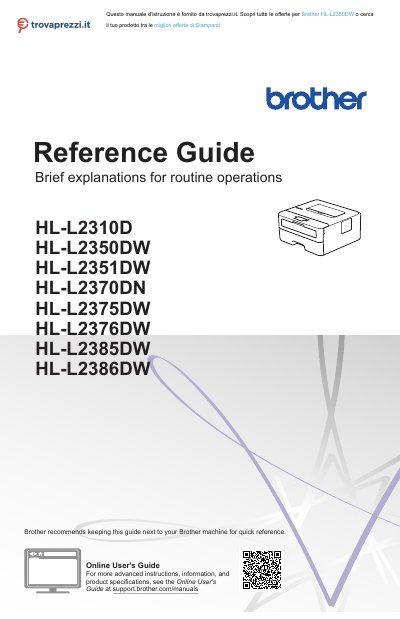
This document serves as a Reference Guide for various Brother HL-L2300 series laser printers, including the HL-L2310D, HL-L2350DW, HL-L2351DW, HL-L2370DN, HL-L2375DW, HL-L2376DW, HL-L2385DW, and HL-L2386DW models. It is designed to be kept next to the machine for quick access to information on routine operations and basic maintenance.
The guide covers the control panel overview, explaining the functions of the Power on/off button, Toner LED, Drum LED, Paper LED, Ready LED, and Go button. It also details how to load paper in the Paper Tray and the Multi-purpose Tray (MP Tray) for different media types such as plain paper, envelopes, and labels.
That the toner is low.
Press and hold Go for about two seconds.
Plain paper, thin paper, recycled paper, and thick paper.
HL-L2385DW and HL-L2386DW.