
Logitech® Harmony® 650 remote control user manual, introduces the features and how to use the remote control.
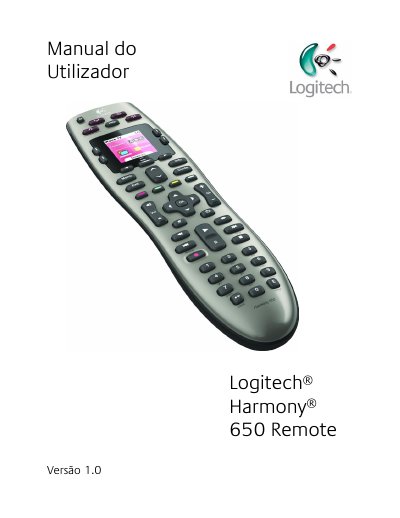
The Logitech Harmony 650 is a universal infrared remote control based on Activities. It can be configured with Harmony software to control up to 5 devices and automates Activities such as watching TV, watching a movie, or listening to music.
The manual explains the remote's buttons and screen, how to select Activities, control devices individually, use favorite channels, turn off devices, and set up or change the configuration. It also covers troubleshooting, help, a glossary, and product specifications. This manual is written in Portuguese.
The Harmony 650 can be configured with Harmony software to control up to 5 devices.
No, it is not necessary to turn off devices to switch between Activities; the Harmony 650 ensures the appropriate devices are on or off.
Yes, in some cases you may need to control an individual device, such as to access a function not included in the current Activity.
Yes, the remote assistant reappears after the next synchronization.