
This guide provides a brief introduction to Kasa Smart Wi-Fi Plug Slim and the Kasa Smart app, as well as regulatory information.
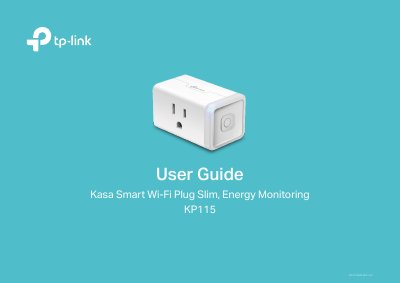
This user guide introduces the TP-Link KP115 Kasa Smart Wi-Fi Plug Slim and the Kasa Smart app, including setup, device controls, scheduling, timers, away mode, scenes, and energy usage tracking.
It also includes appearance details, LED status meanings, supported load types, operating and storage conditions, and regulatory and safety information.
| Supported load (heater) | ≤1500 W |
|---|---|
| Supported load (toaster) | ≤850 W |
| Supported load (humidifier) | ≤260 W |
| Supported load (tower fan) | ≤50 W |
| Supported load (iron) | ≤1500 W |
| Operating temperature | 0 °C to 40 °C (32°F to 104°F) |
| Storage temperature | -40 °C to 70 °C (-40°F to 158°F) |
| Operating humidity | 10% to 90% RH, non-condensing |
Press and hold the control button for 10 seconds until the LED flashes amber rapidly.
The smart plug is connected to the network.
Press and hold the control button for 5 seconds until the LED flashes amber and blue alternately.
The smart plug is randomly turned on and off during the preset time.