
The Agilent 34401A digital multimeter user manual provides setup, safety, menu navigation, and measurement instructions.
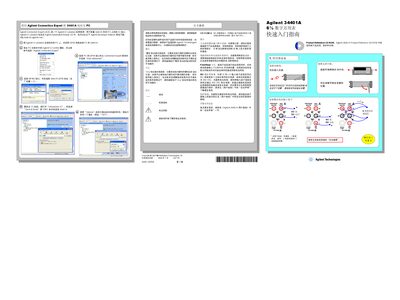
This manual explains how to install the Agilent 34401A, connect it to a PC via GPIB, and configure the Agilent IO Libraries. It includes safety information, power‑on self‑test, and guidelines for proper grounding and handling.
The guide also details operation of the front‑panel menus, selection of measurement functions, resolution settings, trigger options, and calibration procedures. Reference tables list measurement ranges, input impedance, and other technical parameters for accurate use.
| IEC measurement category | II (300 V) |
|---|---|
| Default GPIB address | 22 |
| Resolution (bits) | 4, 5, or 6 |
| Continuity threshold | 10 Ω |
| Measurement functions | AC/DC voltage, AC/DC current, 4‑wire resistance, temperature |
The factory default GPIB address is 22.
It is rated for IEC measurement category II, allowing connection to mains up to 300 V.
Use the front‑panel keys to select 4‑, 5‑, or 6‑bit resolution depending on the required speed or accuracy.