
The DP760 is a repeater that can extend the range of the DP750 base station. It can be powered by Power over Ethernet (PoE) or by AC power. To pair the DP760 with the DP750, you need to enable repeater mode on the DP750 and then connect the DP760 to the network port of the DP750.
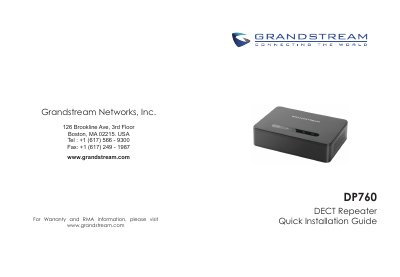
The Grandstream DP760 is a DECT Repeater that auto-associates with a Grandstream DP750 Base Station to extend mobility and coverage. The document states an additional range of 300 meters outdoors and 50 meters indoors, support for up to 2 concurrent HD calls, and PoE or 5V power adapter connection.
This Quick Installation Guide covers package contents, setup with PoE or AC power, enabling repeater mode and repeater management on the DP750, auto and manual association, accessing the DP760 Web UI, and dissociation. Default web GUI login is admin/admin.
| Range | 300 meters outdoors and 50 meters indoors |
|---|---|
| Concurrent HD calls | Up to 2 |
| Power adapter | 5V |
| Operating temperature | -10 °C to 50 °C (14F to 122F) |
| Humidity | 10-90% RH (non-condensing) |
| Power over Ethernet | Provided via Ethernet connection |
The DP760 relays up to 2 concurrent HD calls.
Long press the page button on the back panel of the DP760 for 7 seconds to remove the association values of the previous base station.
All LEDs turn ON when the DP760 has successfully associated with the DP750 Base Station.
The default username and password are admin/admin.