
The Newland HR2081 BT is a handheld barcode scanner that features:
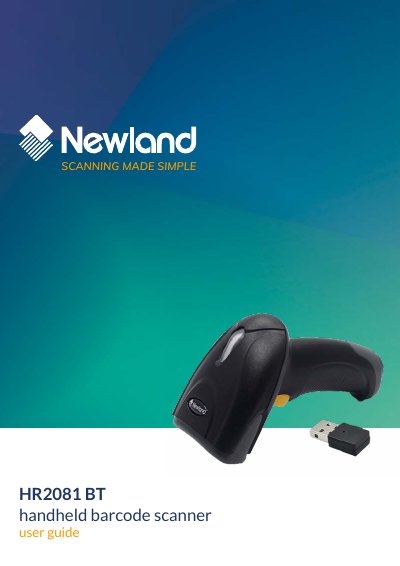
The Newland HR2081-BT/HR2180-BT user guide describes setup and configuration for the handheld barcode scanner. It covers EasySet and barcode/command programming, system settings such as scan mode, good-read beep and vibration, USB interface options, wireless communication including batch mode, and 1D/2D symbology settings.
The guide also includes default settings, product information queries, revision history, and ASCII/Unicode key map appendices. It is intended for users who configure and operate the scanner.
Yes. The revision history states that HR2180-BT is applicable to this User Guide.
Yes, it has a USB HID Keyboard section followed by USB Country Keyboard Types.
Yes, the guide includes a Factory Defaults section and Restore Factory Defaults entries for many symbologies.
Version 1.0.2, dated Nov 3, 2020, notes that HR2180-BT is applicable to this User Guide.