
This manual describes how to use the Olympus STYLUS TOUGH-8010 /μ TOUGH-8010 STYLUS TOUGH-6020 /μ TOUGH-6020 STYLUS TOUGH-3000 /μ TOUGH-3000 digital camera.
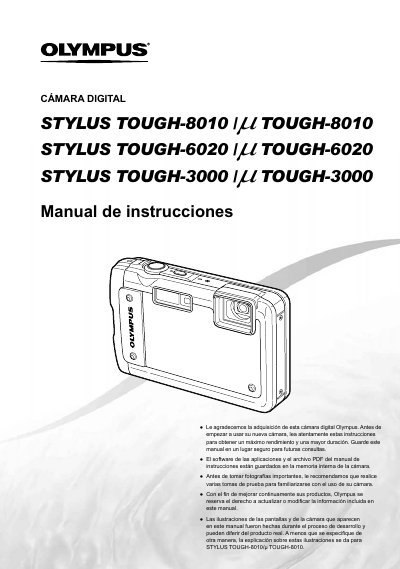
This Spanish-language user manual covers the Olympus STYLUS TOUGH-8010 / μ TOUGH-8010, STYLUS TOUGH-6020 / μ TOUGH-6020 and STYLUS TOUGH-3000 / μ TOUGH-3000 digital cameras. It starts with checking the box contents, preparing the camera and how to use the camera, including direct buttons, control keys and the MENU button.
The manual also covers taking and viewing images, deleting, direct printing with PictBridge, print reservations with DPOF, and menus for playback, editing and printing. It includes shooting modes, flash, macro, self-timer, exposure compensation and white balance, along with the supplied USB cable CB-USB6, AV cable and USB AC adapter F-2AC. This manual is written in Spanish.
| USB AC Adapter F-2AC power input | AC 100 to 240 V (50/60 Hz) |
|---|---|
| USB AC Adapter F-2AC output | DC 5V, 500 mA |
| USB AC Adapter F-2AC dimensions | 50.0 mm x 54.0 mm x 22.0 mm |
Press the MENU button to display the function menu.
Frequently used functions can be accessed using the direct buttons.
On the STYLUS TOUGH-8010 and STYLUS TOUGH-6020, you can operate the camera by touch when touch control is on.