
This manual introduces the configuration and management of the Grandstream WP820 wireless phone. The manual includes the following topics: phone overview, pairing and configuration, managing the phone, phone settings, and troubleshooting.
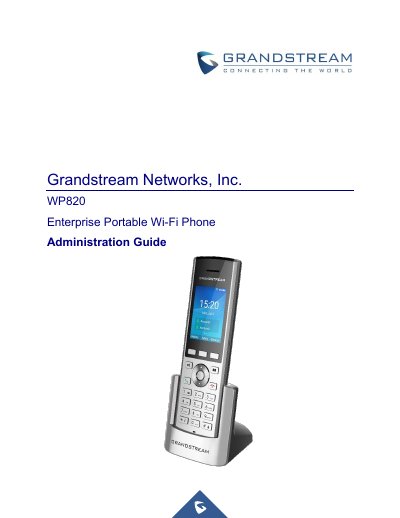
This document serves as an administration guide for the Grandstream WP820 Enterprise Portable Wi-Fi Phone, intended for VoIP administrators. It details how to configure device features using the LCD menu and Web GUI, covering topics such as product overview, getting started, web GUI access, settings, upgrading, and factory resets. While basic functions are covered, users are directed to the separate User Guide for fundamental operation details.
The guide provides comprehensive instructions on accessing the Web UI, managing user levels, configuring SIP accounts and codecs, setting up Wi-Fi and network parameters, and performing system maintenance. It also includes specific procedures for upgrading firmware via USB or local servers and restoring the device to factory default settings through various methods.
| Operating Frequency Band (RF) | 2402-2480MHz (BT/BLE), 2412-2472MHz (2.4GHz WIFI), 5150-5725MHz (5GHz WIFI) |
|---|---|
| Max Transmit Power (2.4GHz WIFI) | 802.11b: 19.78dBm; 802.11g: 18.12dBm; 802.11n20: 18.91dBm; 802.11n40: 18.39dBm |
| Display | 2.4-inch (240x320) TFT color LCD |
| SIP Accounts | 2 SIP accounts and 2 lines |
| Bluetooth Version | Bluetooth v4.2 |
| Standby Time | 150 hours |
| Talk Time | 7.5 hours |
| Range | 300m outdoor / 50m indoor |
The intended audiences of this document are VoIP administrators.
You can visit the Grandstream support website to download the latest WP820 User Guide.
The USB flash drive should be on FAT32 format.
The WP820 supports 2 SIP accounts and 2 lines.