
This is a user guide for Zebra GC420t desktop thermal printer
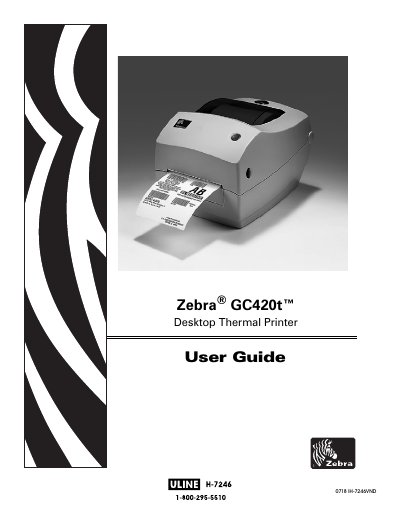
The Zebra GC420t User Guide is intended for anyone who needs to operate or troubleshoot the printer. It covers the contents of the shipping box, printer features, first-time setup, loading media, print operations, printer options and accessories, maintenance, and troubleshooting.
The guide also includes appendices for interface wiring, printer dimensions, and ZPL configuration. It provides Zebra contact information and explains the document conventions used throughout the guide.
It is intended for any person who needs to operate or troubleshoot problems with the printer.
It provides information about printer error reporting for troubleshooting and includes assorted diagnostic tests.
Technical support via the Internet is available 24 hours per day, 365 days per year at www.zebra.com.
It provides additional interface information and wiring diagrams to assist with printer-to-host system integration.