
The Zebra GC420d Desktop Thermal Printer User Guide provides setup, operation, maintenance, and troubleshooting instructions.
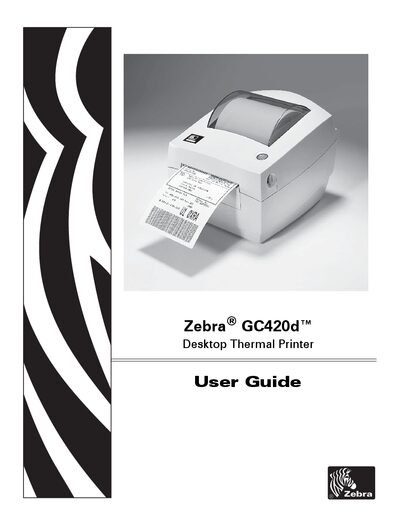
This guide covers the Zebra GC420d desktop thermal printer, a label printer designed for fast, reliable printing. It explains what is included in the shipping box, printer features, and safety information.
The manual is organized into sections such as Getting Started, Print Operations, Printer Options, Maintenance, Troubleshooting, and appendices with interface wiring, dimensions, and ZPL configuration details. Each section provides step‑by‑step procedures, configuration tables, and reference information to help users install, operate, and service the printer.
| Print resolution | 203 dpi (832 8/mm) or 300 dpi (1280 8/mm) |
|---|
Technical support is available 24 hours a day, 365 days a year via the website www.zebra.com or by phone.
The device must not cause harmful interference and must accept any interference it receives.
Refer to the Maintenance section; cleaning the printhead is described in the “Cleaning the Printhead” subsection.