
This document introduces the features and characteristics of the MC3300ax mobile computer product.
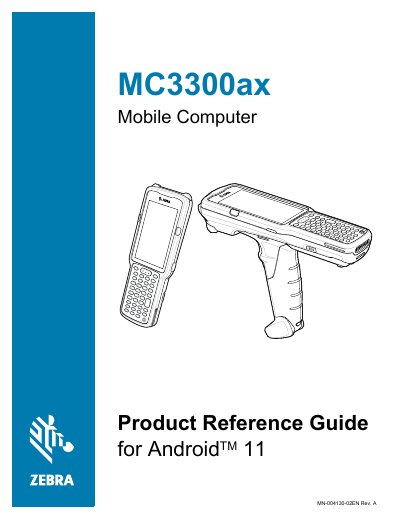
This manual provides step-by-step instructions for setting up, configuring, and using the Zebra MC3300ax mobile computer running Android 11. It covers battery management, scanning with various scanners, wireless connectivity (Wi-Fi and Bluetooth), device accessories, and system maintenance. Sections also address security, application deployment, and troubleshooting for enterprise use.
The guide includes detailed information on charging, replacing batteries, using accessories like holsters and mounts, and managing device settings such as display, sound, and notifications. It also explains how to install and manage applications, perform system updates, and reset the device for enterprise or factory conditions.
| Operating System | Android 11 |
|---|---|
| Battery Type | Rechargeable Li-Ion Battery |
Install the microSD card by following the steps under 'Installing a microSD Card' in the Getting Started section.
Connect to a Wi-Fi network by navigating to 'Wi-Fi' settings and selecting your network, then entering credentials if required.
Battery life depends on usage, but the device supports hot swap mode and backup power for extended operation.