
The Zebra TC55 user guide provides setup, operation, and maintenance instructions for the handheld device.
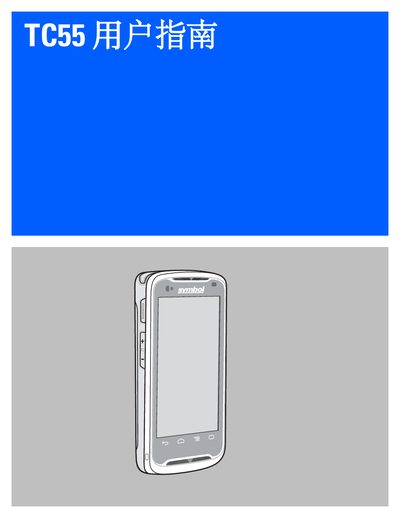
This guide covers everything needed to get started with the Zebra TC55, including unpacking, SIM and microSD installation, battery charging, and basic configuration of the device’s display, sound, and wireless settings.
Later sections detail phone functions, application usage, data capture with built‑in scanners and camera, wireless connectivity options, accessories, maintenance procedures, troubleshooting tips, and full technical specifications. This manual is written in Chinese.
| Height | 137 mm (5.4 in) |
|---|---|
| Weight (2,940 mAh battery) | 225 g (7.9 oz) |
| Display | 4.3‑inch WVGA color touchscreen, 800 × 480, 700 nit |
| Processor | 1.5 GHz dual‑core CPU |
| Memory | 1 GB RAM, 8 GB flash storage |
| Operating System | Android 4.1.2 (AOSP) with Google Mobile Services |
| Wireless WAN | 4G LTE, HSPA+, EDGE/GPRS/GSM |
| Wi‑Fi | 802.11 a/b/g/n, dual‑band, up to 65 Mbps |
| Bluetooth | Class II, Bluetooth 4.0 |
| Ingress Protection | IP67 |
The TC55 is offered with either a 2,940 mAh or a 4,410 mAh rechargeable lithium‑ion battery.