
Zebra GT800 Thermal Transfer Printer User Guide

The Zebra GT800 thermal transfer printer user guide explains setup, operation, maintenance and troubleshooting.
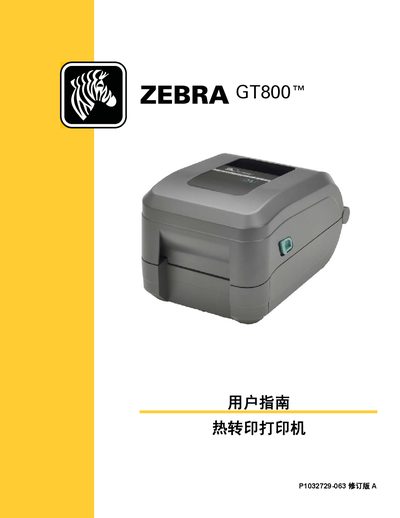

Zebra GT800 Thermal Transfer Printer User Guide - cover page
Brand
Zebra
Category
Printer
Document type
User Manual
Language
Chinese
Pages
122
File format
PDF
File size
8.3 MB
Published
29 September, 2026
Updated
29 September, 2026
MD5 checksum
247C44BA93C5AF0E155A7103BCEED7FA

About this manual

This guide provides step‑by‑step instructions for unpacking, installing, and configuring the GT800 thermal transfer printer. It covers connecting the printer to a PC via USB, parallel or Ethernet, loading media and ribbons, and basic printing functions.

Later sections describe routine maintenance, cleaning, troubleshooting common errors, and advanced features such as ZPL configuration, memory management, and optional accessories like label dispensers and cutters. This manual is written in Chinese.

What's inside

  • Introduction
  • Unpacking and Inspection
  • Initial Setup and Power Connection
  • Media Loading and Ribbon Installation
  • Printing Operations
  • Printer Accessories
  • Maintenance and Cleaning
  • Troubleshooting
  • Interface Wiring and Connectivity
  • Dimensions and ZPL Configuration

Frequently asked questions

How can I manage printer memory and view stored objects?

Use ZPL commands such as ^WD to list objects, ^ID to delete, and ^TO to transfer objects between memory areas.

Download PDF (8.3 MB)

More Zebra Manuals


View all Zebra manuals →