
This quick start guide explains how to unbox, set up, install a microSD card, nano SIM, battery and use the main functions of Zebra TC21/TC26 handheld data…
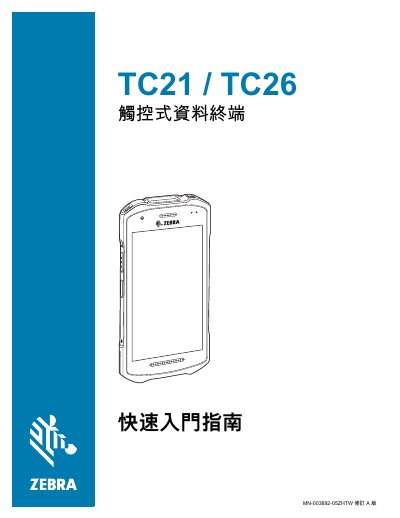
The guide provides step‑by‑step instructions for unpacking the Zebra TC21/TC26, checking the contents, and preparing the device for first use. It covers installing optional accessories such as a microSD card, nano SIM card, wrist strap and battery, as well as charging the unit.
It also describes the front and rear view functions, including the camera, NFC antenna, programmable button, scanning button, USB‑C connector, and the built‑in imaging engine for barcode scanning. Ergonomic tips and usage notes are included to help users operate the terminal safely and efficiently. This manual is written in Chinese.
| Battery capacity (standard) | 3,400 mAh (typical) / 3,100 mAh (minimum) |
|---|---|
| Battery capacity (extended) | 5,260 mAh (typical) / 5,000 mAh (minimum) |
Lift the card cover, slide the microSD card slot to the unlock position, lift the slot, insert the microSD card, then close the cover and lock it.
Only a nano SIM card is supported; the TC21 model does not use a SIM card.
Open the DataWedge app, aim the top window at the barcode, press and hold the scan button until the red laser appears, then release the button when the LED turns green and a beep sounds.
Connect a USB‑C cable to the device’s bottom port; the device will charge and can also transfer data to a host terminal.