
This manual introduces the functions and characteristics of the NetComm Wireless NP127 WiFi Extender.
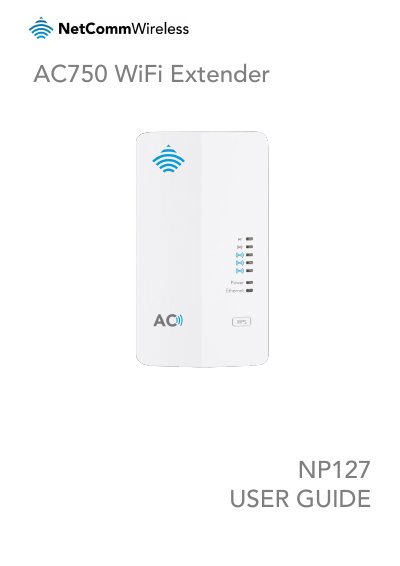
The NetComm Wireless NP127 is an AC750 WiFi Extender that can work as a wireless repeater or as a wireless access point. It supports concurrent 2.4GHz and 5GHz WiFi and has a WPS button plus five signal-strength LEDs to help with placement.
The user guide covers package contents, interfaces and LED indicators, physical dimensions, safety and care, placement and hardware installation. It also explains the web-based configuration interface, connection wizard, wireless settings, system options and troubleshooting.
| Length | 89 mm |
|---|---|
| Width | 67 mm |
| Height | 117 mm |
| Weight | 165 grams |
| Front panel LEDs | 7 |
| Signal strength LEDs | 5 |
It can work as a wireless repeater or as a wireless access point.
Press and hold the WPS button for between 1 and 2 seconds, then release.
Press and hold the Reset button for more than 3 second to restore the factory defaults.
It indicates that the NP127 is correctly powered and is switched on.